
Faster drafts, slower decisions: the AI bottleneck nobody measures
 Vicky Braxton·October 19, 2026·5 min read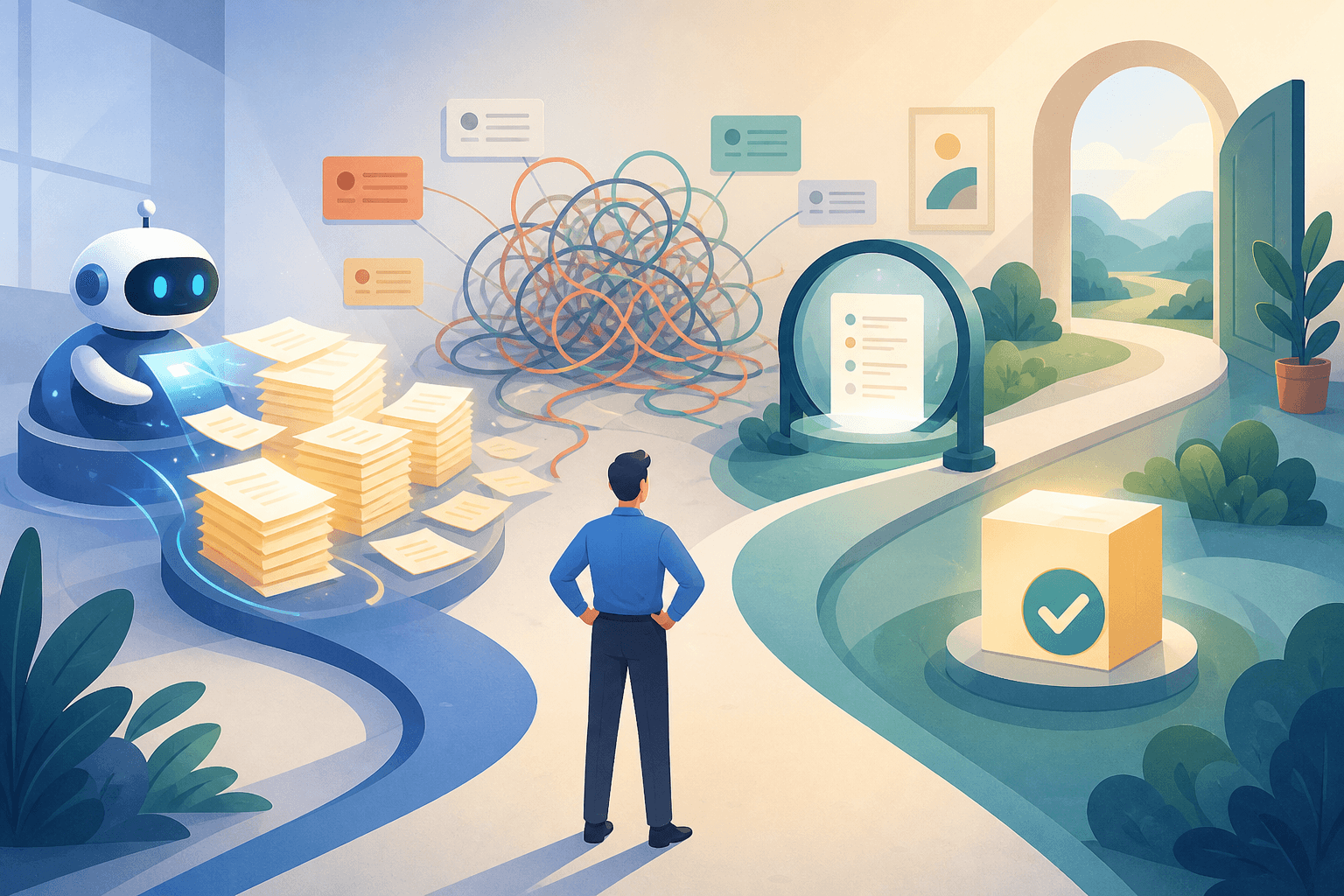
An AI tool can hand you a polished draft in 30 seconds and still leave the work further from done.
The missing time usually sits in the quiet parts: checking whether the answer is right, repairing context the tool missed, getting a decision, and cleaning up the consequences of a confident mistake.
That is why “time saved” is a slippery productivity metric. It often measures the first visible step, not the whole job.
The evidence is more conditional than the demos
Three research findings point in the same direction, even though they study different kinds of work.
In a Harvard Business School and Boston Consulting Group experiment involving 758 knowledge workers, people with AI access completed 12.2% more tasks and finished them 25.1% faster on 18 tasks judged to be within the model’s capability frontier. Their solutions were also judged to be higher quality. On one complex managerial task selected to sit outside that frontier, however, participants using AI were 19% less likely to produce a correct solution than those without AI. The HBS summary is a useful reminder that “knowledge work” is not one uniform category.
A separate randomized study by METR produced a less flattering result in a specific setting. Sixteen experienced open-source developers worked on 246 real issues from repositories they knew well. When AI tools were allowed, they took 19% longer to complete the issues. The developers had expected a 24% speed increase and still believed, after the study, that they had been about 20% faster. METR’s report is careful to say that this was a snapshot of early-2025 tools and does not generalise to all developers or domains. That caveat matters. So does the perception gap.
Then there is the more encouraging result. A 2025 NBER field experiment across 66 firms and 7,137 knowledge workers found that, among the 80% of treated workers who used the tool, email time fell by about two hours per week and work outside regular hours also declined. But the researchers did not detect a change in the quantity or composition of tasks from giving individuals AI access alone. The NBER paper does not say the time savings were fake. It says the surrounding workflow did not automatically turn them into different work.
These results are not contradictory. They measure different layers of the job:
- Can the tool produce something quickly? Often, yes.
- Is the output correct in this particular context? Sometimes.
- Does the work reach a useful decision or outcome sooner? That depends on everything around the output.
Start a finished-work clock
For any recurring task, measure the full path:
Time to done = generation + review + rework + waiting + decision + clean-up
This is not a scientific law. It is a better piece of household accounting for modern work.
Imagine an assistant drafts a customer reply in two minutes. You spend eight minutes checking the account history, rewriting a claim that is too confident, waiting three hours for approval, and then correcting the CRM entry after the message is sent.
The draft took two minutes. The job did not.
The same problem appears in coding, research, operations, and content. A fast first pass can move effort downstream rather than remove it. If you only count the first pass, you reward the tool for creating a nicer-looking queue.
Give AI a lane, not a vague mandate
A useful division of labour starts with the cost of being wrong and the ease of reversing the action.
1. Let AI execute low-risk transformations
These are tasks where the input is known, the output is easy to inspect, and mistakes are cheap to undo.
Examples include turning meeting notes into a task list, extracting dates from a document, formatting a draft, or grouping similar requests. The assistant can usually act without creating a new decision for you.
2. Let AI recommend when context matters
Here the tool can gather, compare, summarise, and propose. It should show the reasoning or supporting material clearly enough for a person to make the call.
Examples include ranking sales leads, suggesting which backlog item to tackle first, or turning scattered research into two plausible approaches. The output is useful, but it is not the decision.
3. Keep human approval for consequential choices
If an action affects money, a relationship, reputation, access, or a commitment that is hard to unwind, the assistant should prepare the move and pause at the decision boundary.
That is not a failure of automation. It is good workflow design. The expensive part is not clicking “send.” It is being wrong in public and discovering it too late.
The important detail is that the same task can move between lanes. Drafting a reply may be low-risk when the message is routine. It becomes a recommendation requiring review when the customer is angry, the facts are incomplete, or the reply makes a promise.
Run a small time-to-done audit
You do not need a grand AI transformation programme. Pick ten tasks you already repeat and track them for one week.
For each task, record:
- When the request started.
- When the first usable output appeared.
- How long review and correction took.
- How long the task waited for a person or decision.
- Whether it was accepted first time or sent back for rework.
- When the actual outcome was complete.
Compare AI-assisted tasks with similar tasks completed without it. Do not rely on how fast the session felt. The METR study shows why perception can drift away from elapsed time.
At the end of the week, keep three numbers separate:
- Draft speed: how quickly something appeared.
- Human effort: checking, editing, prompting, and fixing.
- Time to useful outcome: when the work was genuinely finished.
The third number is the one that deserves the promotion.
The practical rule
AI should earn more autonomy by improving time to done without quietly lowering quality or creating extra review work.
If it saves ten minutes but creates a new approval queue, the workflow needs redesigning. If it produces excellent first drafts for one class of task and unreliable answers for another, split the lanes instead of arguing about whether AI “works.” If it saves email time, decide in advance where that capacity goes—or the inbox will simply expand to fill the space.
The useful question is not, “How fast can the AI make this?”
It is: “What is the fastest safe path from request to finished work?”